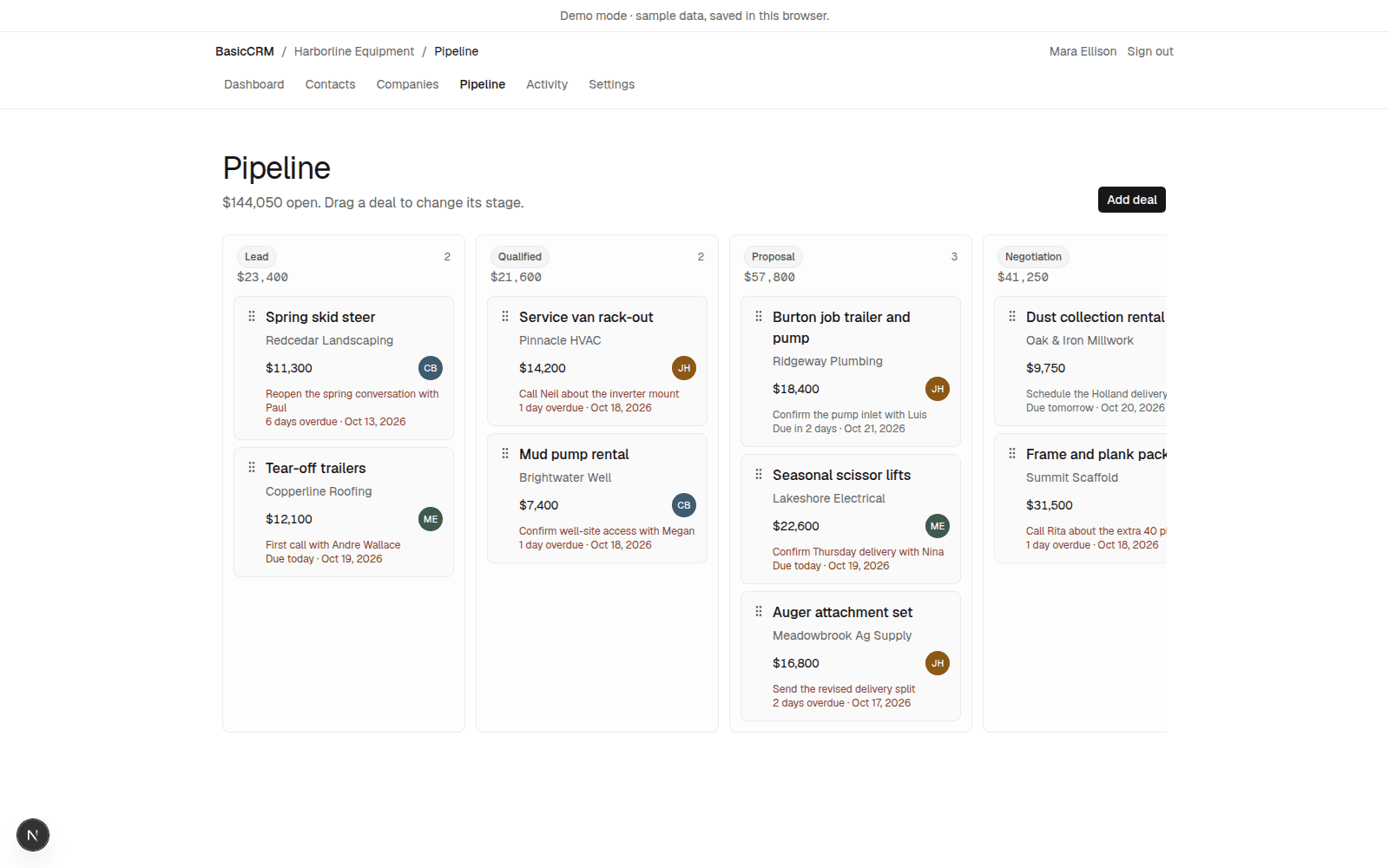
Spring skid steer
Redcedar Landscaping
$11,300
Reopen the spring conversation with Paul
10-day free trial
Simple, on purpose
Contacts, deals, and your next step. Nothing you’ll have to train anyone on.
Sign in with Google. 10-day free trial.
$23,400
Spring skid steer
Redcedar Landscaping
$11,300
Reopen the spring conversation with Paul
Tear-off trailers
Copperline Roofing
$12,100
First call with Andre Wallace
$41,250
Dust collection rental
Oak & Iron Millwork
$9,750
Schedule the Holland delivery
Frame and plank package
Summit Scaffold
$31,500
Call Rita about the extra 40 planks

Add a contact to your list in one click. Opens and clicks come back on the timeline.

Push all contacts, or one company, to the lists you choose. Opens, clicks, bounces, and unsubscribes show on the person.
AI tools
 ChatGPT
 Claude
Connect ChatGPT, Claude, Cursor, or Grok through the BasicCRM MCP server. They can read and update contacts, deals, notes, and next steps. They cannot delete anything.
It does not overwhelm. It is for a small team that already works in Gmail.
Not a sales floor. A few people, the customers they already email, and a pipeline you can see in one glance.
Sign in with Google for your name and email. Mail lands in BasicCRM when you BCC it, forward it, or log the open message.
A deal shows who it is with, what was last said, and what happens next. Nothing else is asking for attention.
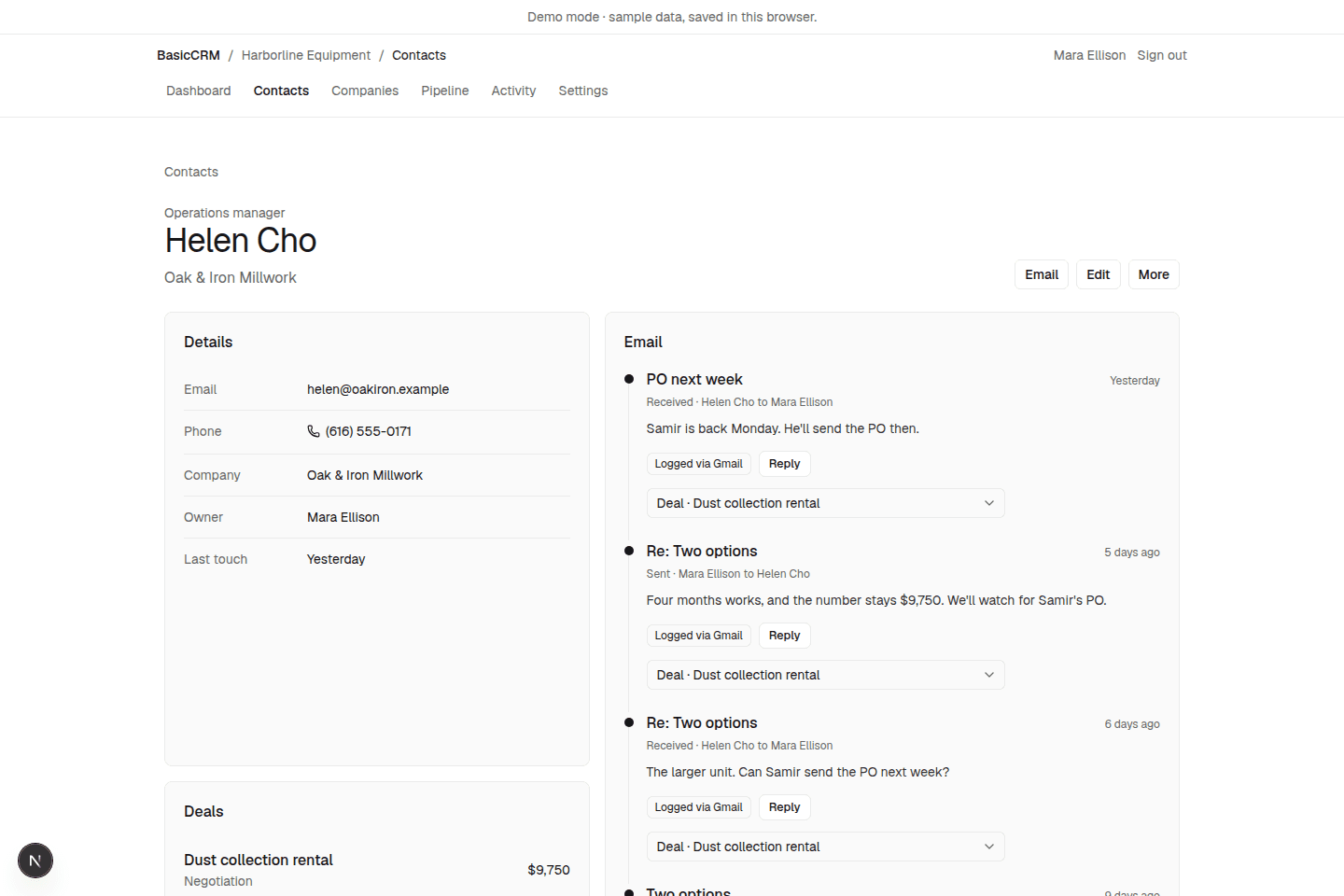
Open a message and see the sender’s company, open deals, and next step. Log that email when you want it on the record.
Each workspace has a logging address. BCC it, forward a filter to it, or have an admin route outbound mail. Mail from people not in your CRM is ignored.
A short pipeline. People sit on a company. A deal sits on the people who are actually in it.
One dated next step on a deal. When it is done, the deal shows what is left, not a pile of tasks.
A person with no logged mail is marked, so a new contact does not disappear into the list.
Notes, calls, and logged mail stay on the contact, the company, and the deal. The history is the record.
1
BasicCRM asks for your name and email. It does not ask to read your mailbox.
2
Type them in, or import a CSV from Settings.
3
BCC the logging address, forward with a Gmail filter, or click Log in the sidebar. The contact page shows the thread and the next step.
Sample data from a fictional equipment distributor. The same screens you get after sign-in.
10-day free trial
Free for 10 days
$19
per user / month
$15 per user / month when billed annually ($180 per user / year).
No. The public product never requests gmail.readonly. Mail is logged when you BCC or forward it, or when you click Log on the open message in the Gmail sidebar.
BasicCRM's use and transfer of information received from Google APIs to any other app will adhere to the Google API Services User Data Policy, including the Limited Use requirements. We use Google user data only to provide and improve the user-facing features you can see and control in the product. We do not sell it, and we do not use or transfer it for advertising. The privacy policy has the full wording.
Small B2B teams that already work in Gmail. One workspace per company domain. It is meant to stay quiet: contacts, companies, deals, and the next step.
Those tools are built for big sales teams with admins and training. BasicCRM keeps just contacts, deals, email, and next steps, so a small team can start in minutes.
Yes, if it supports MCP connectors. After you sign in, Settings has a connection guide with the server URL. You approve access yourself. It can search contacts and companies, list deals, log a note or a call, add a next step, and summarize the pipeline. It cannot delete anything. Access is for one person and one workspace, and you can revoke it from Settings → Connected apps. The guide covers Cursor, Claude, ChatGPT, and Grok.
New workspaces include a 10-day free trial. After that, $19 per user each month, or $15 per user each month when billed annually ($180 per user each year). One plan. Billing is per workspace.
Yes. Feedback is in the app, next to your name. Send a short note. We read every request. We don't promise a date.
Yes. Delete a contact, delete a company, or delete the workspace. How long anything is kept is described on the privacy page.
Sign in with Google. Your mailbox stays where it is.
Support: support@basiccrm.io